
100% Client-Side · Zero Uploads · Privacy First
Secure Code Screenshot Generator
Most code screenshot tools send your raw source code to a remote server for rendering. If you're working with proprietary logic, internal APIs, or secrets, that's a security risk. KromaStudio processes everything locally in your browser. Your code never leaves your device. Export beautiful code screenshots, browser mockups, and animated videos with zero latency and absolute peace of mind.
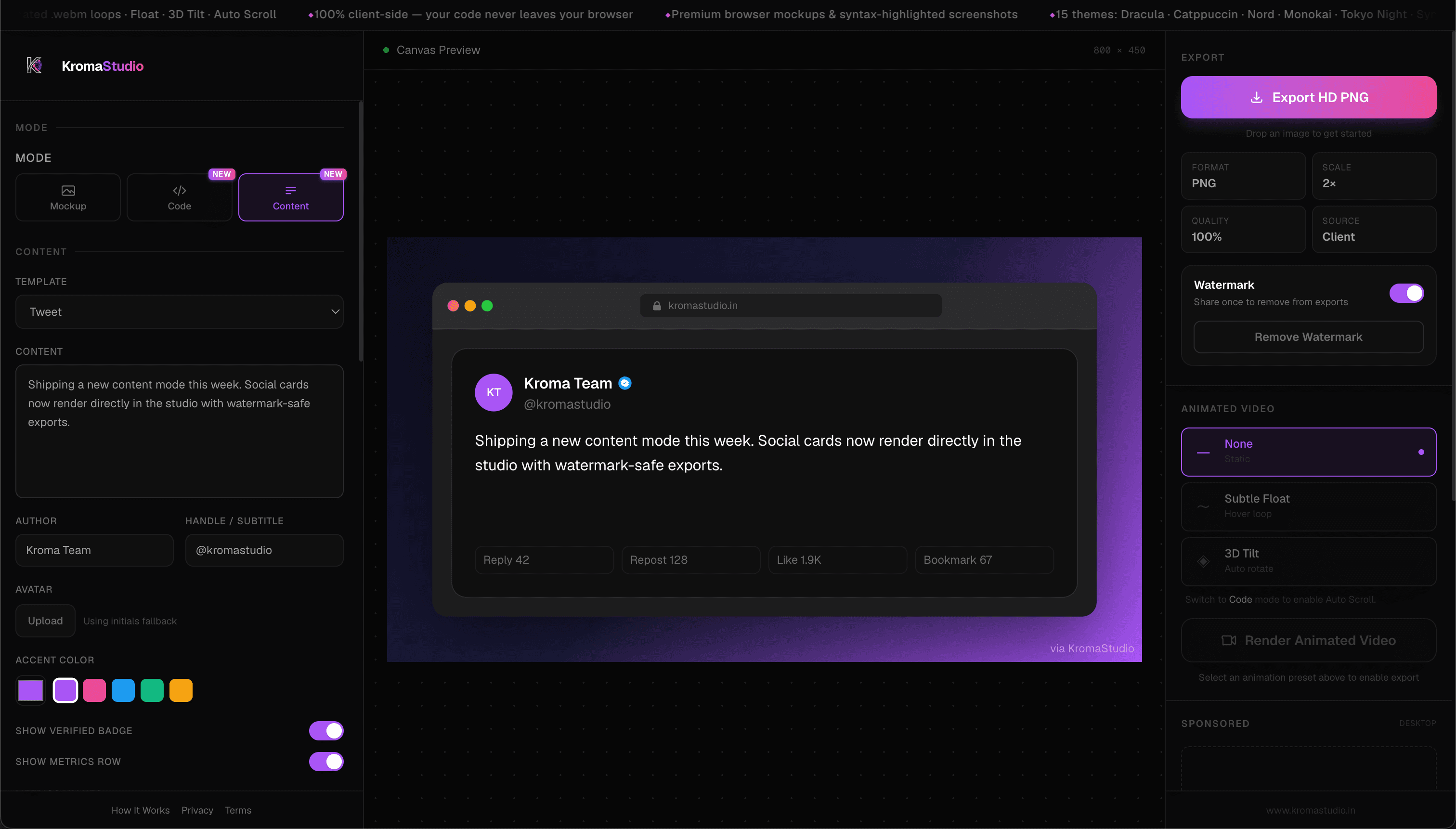
Why Server-Side Rendering is a Risk
Whether you are an Indie Hacker pasting your secret algorithm, or an enterprise developer working with internal company schemas, you shouldn't have to choose between a beautiful presentation and data security.
- You are working with proprietary logic, internal APIs, or database schemas that cannot legally leave your machine.
- You need to quickly share a snippet with a colleague, but it contains secrets or tokens.
- You don't want to sign up or agree to complex cloud processing terms just to format text into an image.
- You've noticed other tools lag while generating the image on a remote server.
- You prefer using tools that adhere to a zero-trust, privacy-first security model.
Client-Side vs Server-Side Generators
| Feature | Server-Side Tools (Carbon, etc.) | KromaStudio (Client-Side) |
|---|---|---|
| Data Processing | Your code is sent to an external server via API. The image is rendered remotely and returned. | 100% Client-side. Processing happens locally using DOM-to-Canvas rendering. |
| Latency | Depends on server load, network speed, and API rate limits. | Instant zero-latency. Bypasses the network entirely. |
| Offline Support | Requires a constant internet connection to render images. | Works offline once the initial page has loaded. |
| Data Retention | Requires trusting the third-party's privacy policy and server cache wiping mechanisms. | No server = no data retention. State is held in temporary browser memory. |
| API Keys & Secrets | Extremely risky. Do not paste keys into cloud tools. | Safe. Code never leaves your local device. |
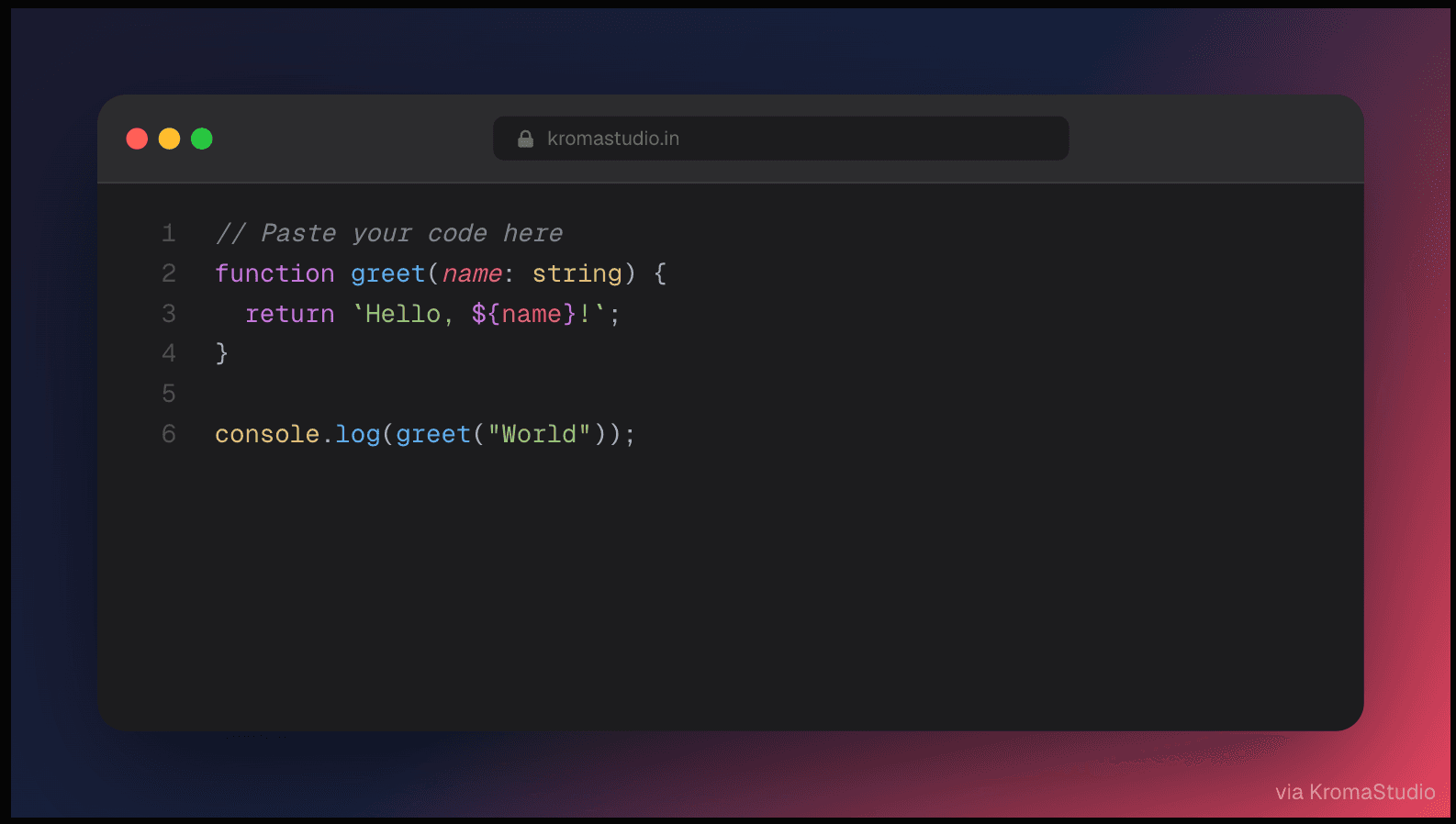
Core Differences
Zero-Trust Architecture
When you use a cloud-based code screenshot generator, you have to trust their infrastructure. Even if they promise not to log your data, your code travels across the internet.
KromaStudio operates on a zero-trust model. By utilizing modern browser APIs like the Canvas API and WebCrypto, we remove the server completely. You can verify this by checking your browser's Network tab — no code is ever uploaded.
Read our privacy policy →No Sign-Up or Telemetry
We don't need your email address to render an image. We don't track the snippets you paste. We don't save your exported files.
KromaStudio provides a frictionless, private workflow. Open the page, paste your proprietary code, and export your HD PNG or .webm without leaving a digital footprint.
Try it instantly →Secure Features
VS Code Extension
Install KromaStudio from the Visual Studio Marketplace, select code in VS Code or Cursor, and press Cmd+Shift+K (macOS) or Ctrl+Shift+K (Windows/Linux). Your snippet opens in KromaStudio ready to style and export — no copy-paste from the editor.
Install VS Code Extension →Browser Mockup Generator
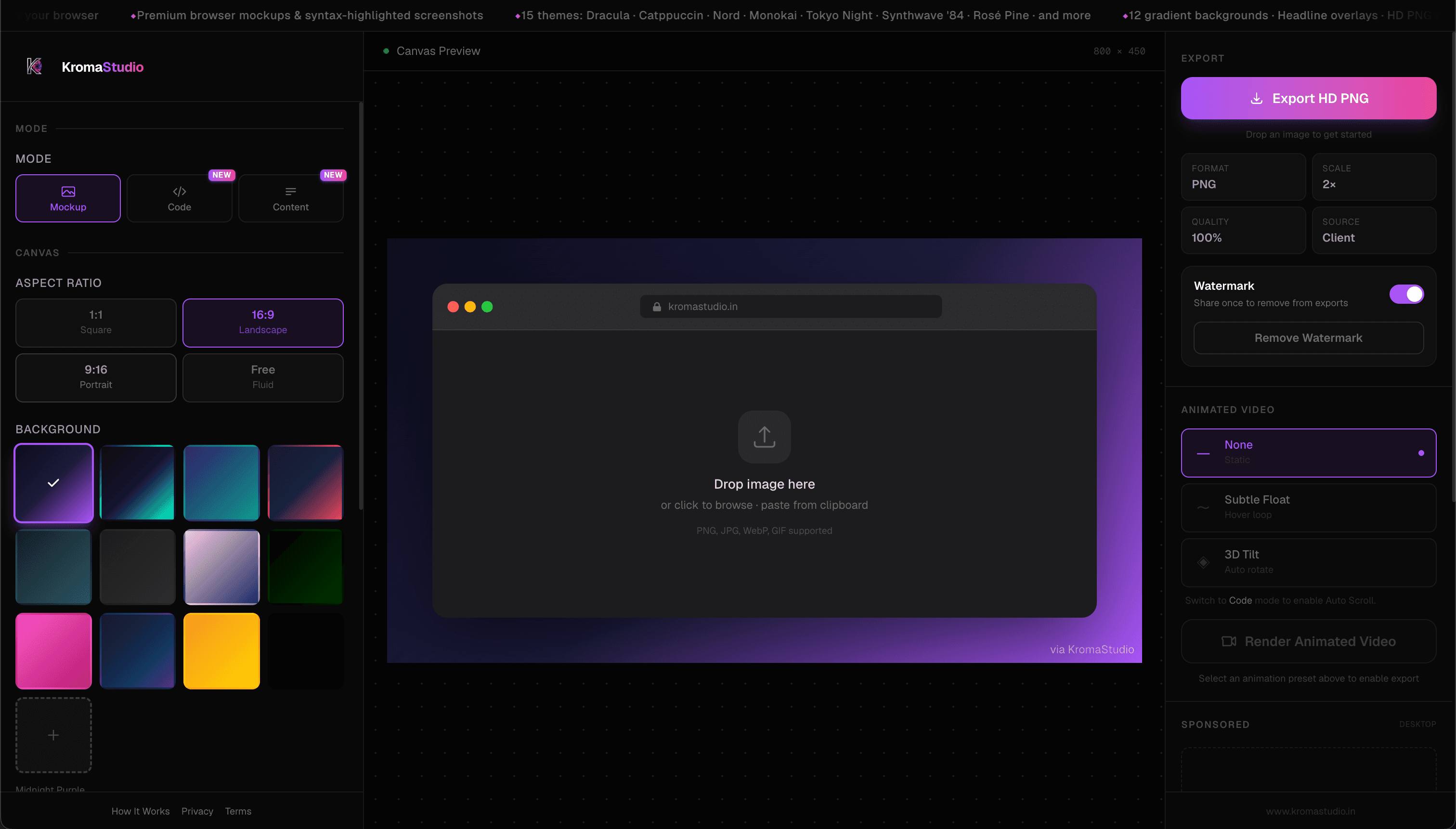
Drop a screenshot into macOS, Windows, or minimal browser chrome. Tweak padding, corners, shadows, and aspect ratio, then export a PNG ready for a launch post or README hero.
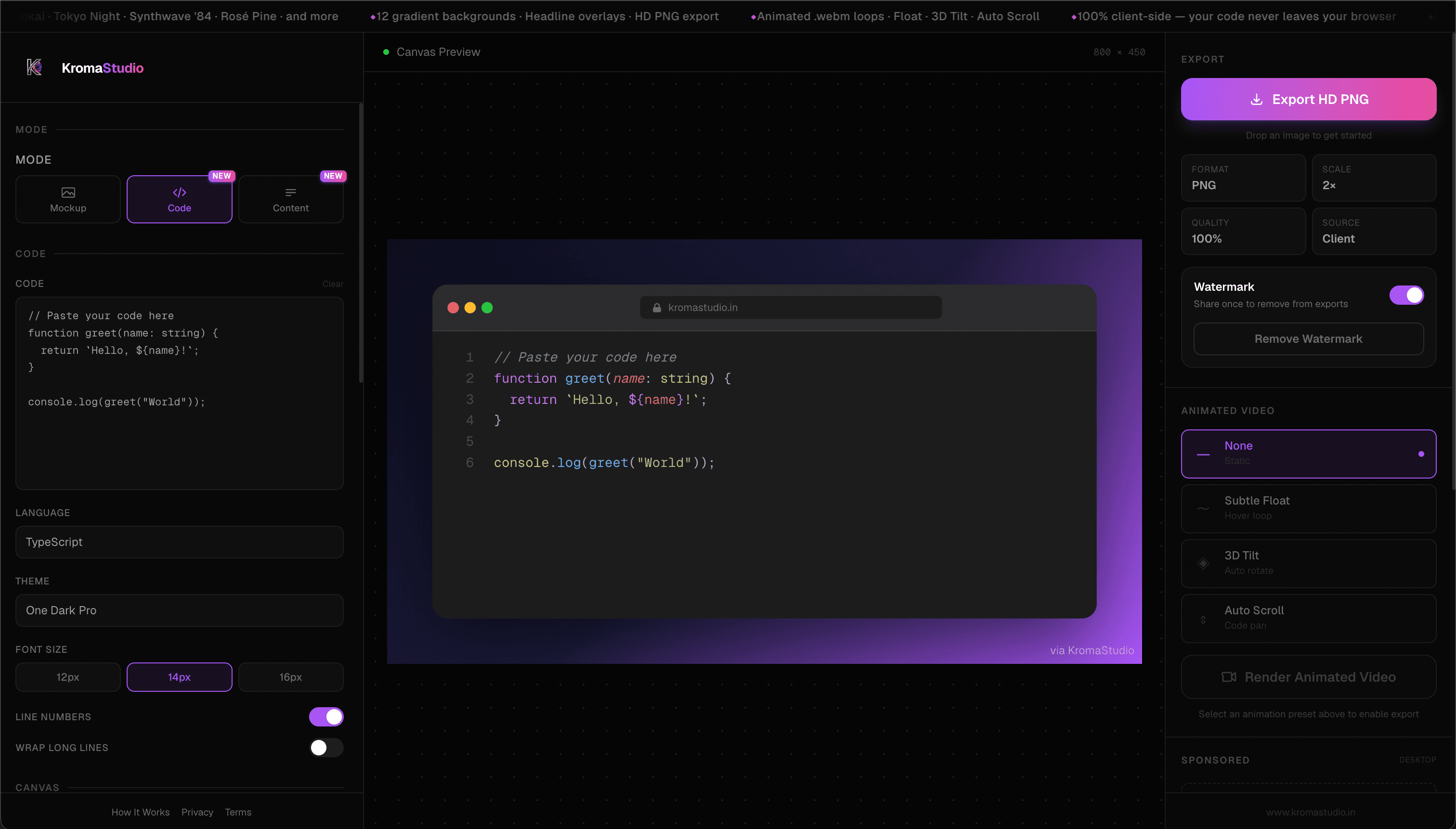
Social Content Generator
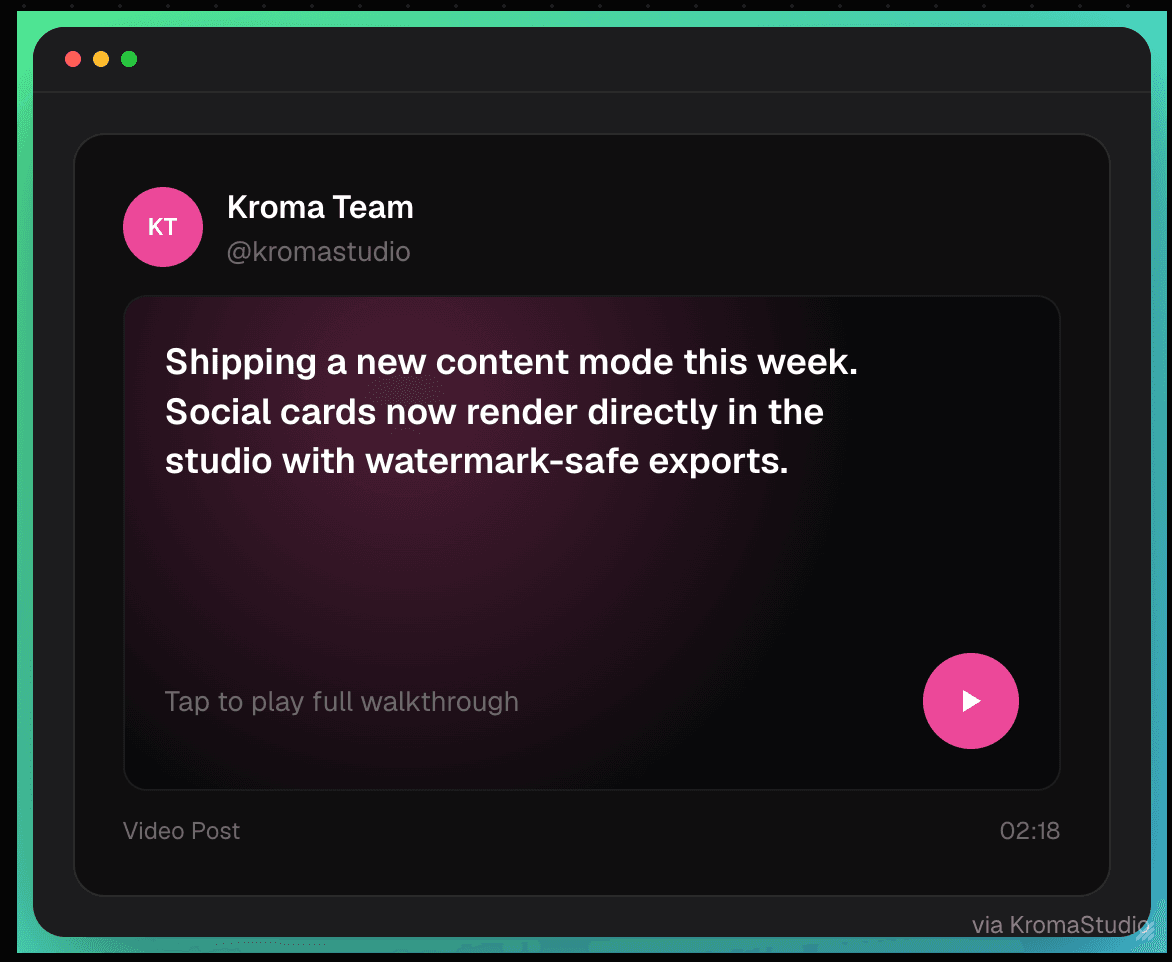
Tweet cards, LinkedIn posts, threads, carousels, metrics snapshots — pick a template, fill in author and accent color, export PNG or a looping .webm.
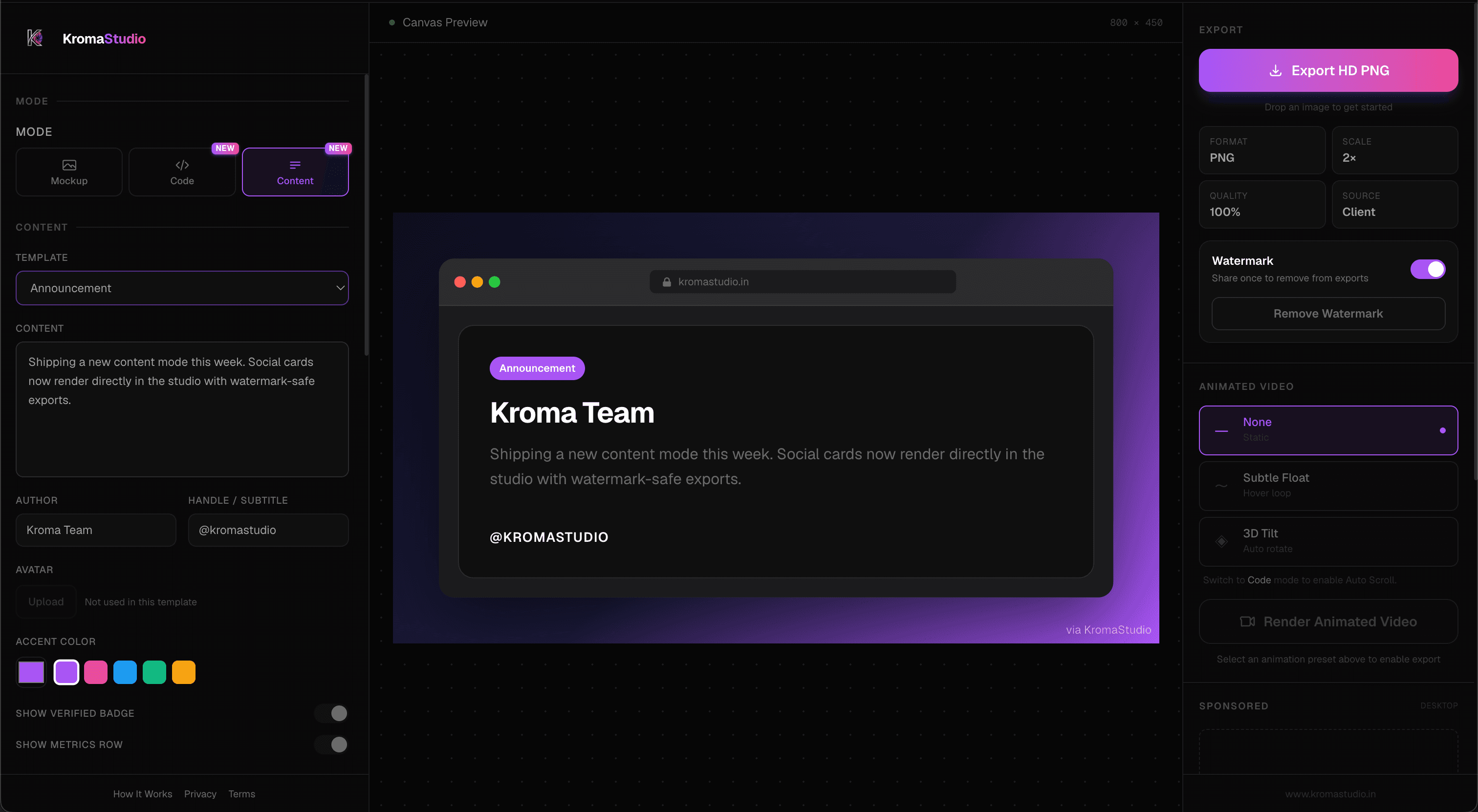
Animated Code Screenshots
Pick Float, 3D Tilt, or Auto Scroll, render a looping .webm at 2× resolution, and post it — no After Effects, no screen recording.
Theme Customization
15 Shiki themes, 12 gradient presets, or roll your own two-color gradient. Toggle line numbers, bump font size, add a headline for social.
Code Screenshot Generator →Privacy-First Client-Side Processing
Everything renders in your browser — nothing gets uploaded. KromaStudio is MIT open source on GitHub, same as Carbon, so you can self-host if you want full control.
Privacy policy →Fast Export Workflow
Paste code, pick a theme, download a sharp 2× PNG in seconds. Same canvas does static PNG and animated .webm — one workflow for docs, feeds, and launch threads.
How it works →Who Needs a Secure Generator?
Frontend Developers
Share component refactors, CSS tricks, and UI patterns with syntax-highlighted cards — then wrap app screenshots in browser frames for portfolio pieces.
Backend Developers
Post API handlers, database queries, and config snippets with syntax highlighting rendered in your browser. Export clean PNGs for internal docs or public blog posts.
Indie Hackers
Ship launch graphics, metrics cards, and product mockups from one free tool — no separate design subscription required for a polished build-in-public thread.
Startup Founders
Create announcement cards, before-after stories, and browser mockups for Product Hunt, LinkedIn, and investor updates — all from the same studio.
Technical Writers
Produce consistent code callouts for documentation and tutorials. Use the same theme across every article so readers recognize your brand instantly.
Developer Advocates
Turn conference snippets, sample repos, and tutorial code into share-ready visuals — static for blogs, animated for social reach.
Real Use Cases
- Sharing a refactored React hook on LinkedIn with a headline overlay and gradient background Code screenshots for LinkedIn →
- Embedding syntax-highlighted snippets in a technical blog post or Dev.to article Blog-ready code images →
- Wrapping a product screenshot in a macOS browser frame for a launch announcement Launch mockups →
- Creating documentation screenshots with consistent Dracula or Nord theming Theming workflow →
- Building a developer portfolio page with mockup-style project previews Portfolio mockups →
- Publishing animated code loops for X, LinkedIn, or short-form video feeds Animated export guide →
Our Privacy Commitment
Runs in Your Browser
Highlighting, mockups, and export happen locally — not on a remote server.
No Account Needed
Open it, paste or upload, export. That's it.
Nothing Gets Uploaded
Your code and screenshots stay on your machine while you work.
Fast Exports
2× PNG and .webm loops render in seconds — no queue, no waiting.
MIT Open Source
On GitHub under MIT — read the code, self-host, fork, or contribute.
Free
Code, mockups, templates, animation — no paywall on the core studio.
Create Securely
Zero uploads. No sign-up. 100% private.
Frequently Asked Questions
- How can I be sure KromaStudio doesn't upload my code?
- You can verify this yourself using your browser's Developer Tools. Open the Network tab, paste your code, and click Export. You will see that zero network requests are made. The entire rendering process uses JavaScript and the Canvas API locally.
- Does KromaStudio store my exported images?
- No. Images and videos are generated directly in your browser's memory and downloaded straight to your local file system. We have no servers to store them on.
- Is it safe to paste API keys and passwords?
- Yes. Because KromaStudio is 100% client-side, any text you paste never leaves your local machine. However, as a general best practice, you should still redact highly sensitive production keys before sharing screenshots publicly.
- Can I use KromaStudio offline?
- Yes. Once the initial application assets (HTML, CSS, JS) are loaded into your browser, the studio functions offline. You can test this by disabling your internet connection and exporting a snippet.
- Why do other tools use servers?
- Some tools rely on server-side technologies like Puppeteer (headless Chrome) to render images, or they offer cloud storage to save your snippets across devices. KromaStudio sacrifices cloud storage in favor of absolute privacy and speed.