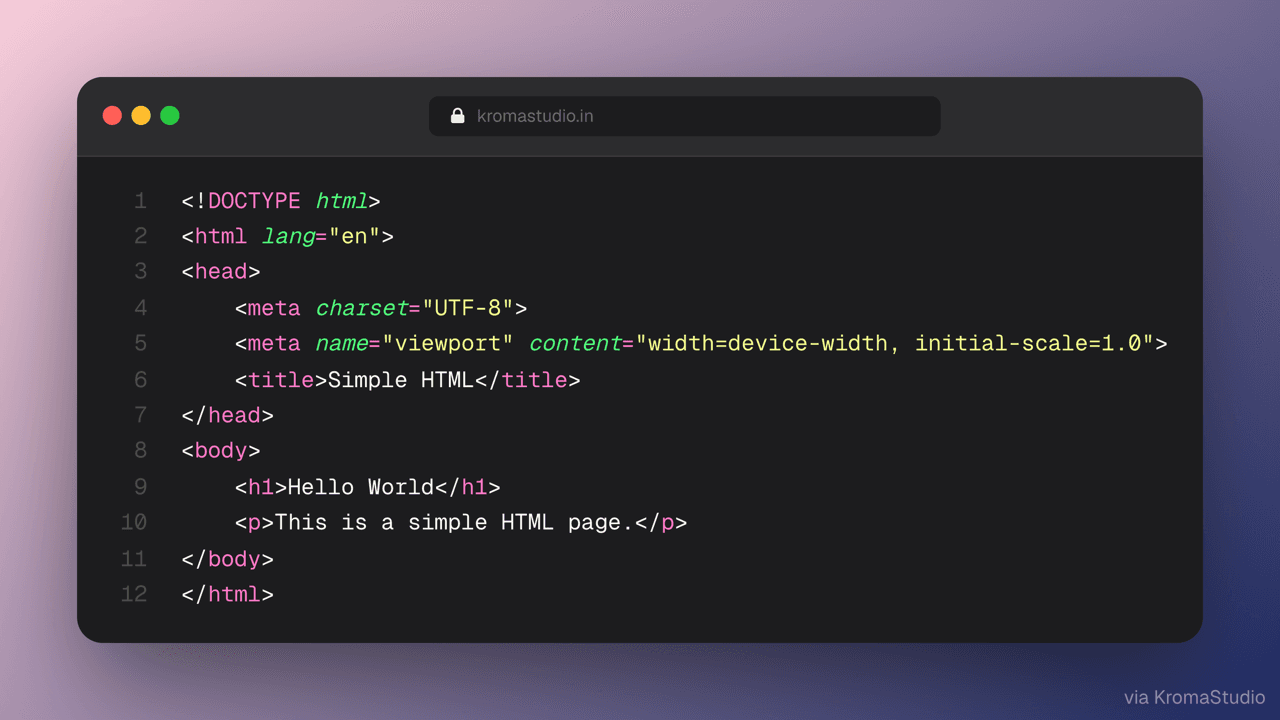
VS Code handoff
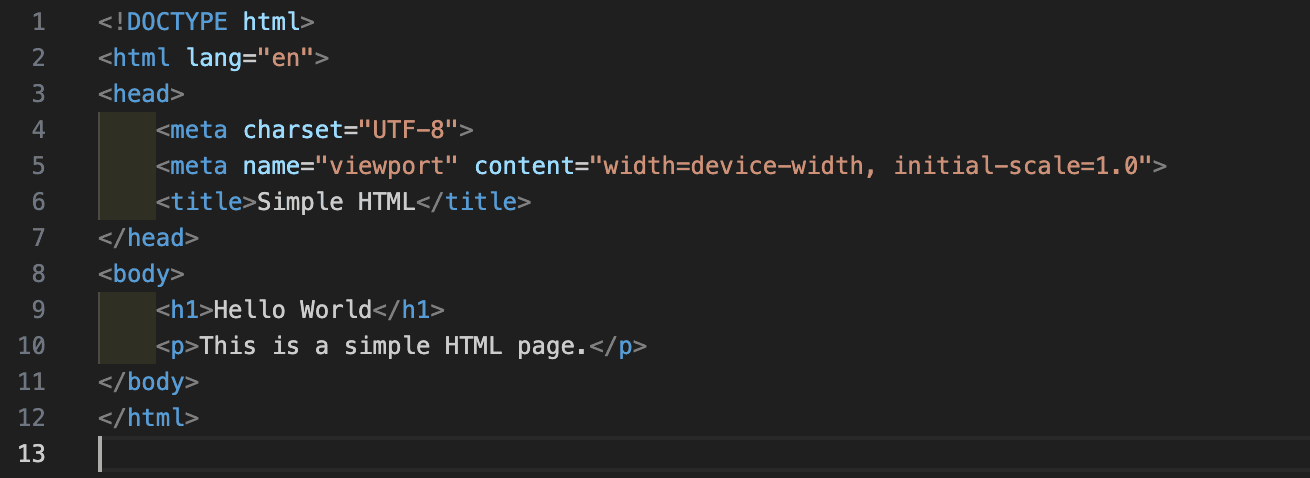
Select code in VS Code, open in KromaStudio with one click — syntax and language preserved.
Free · Client-side · No sign-up
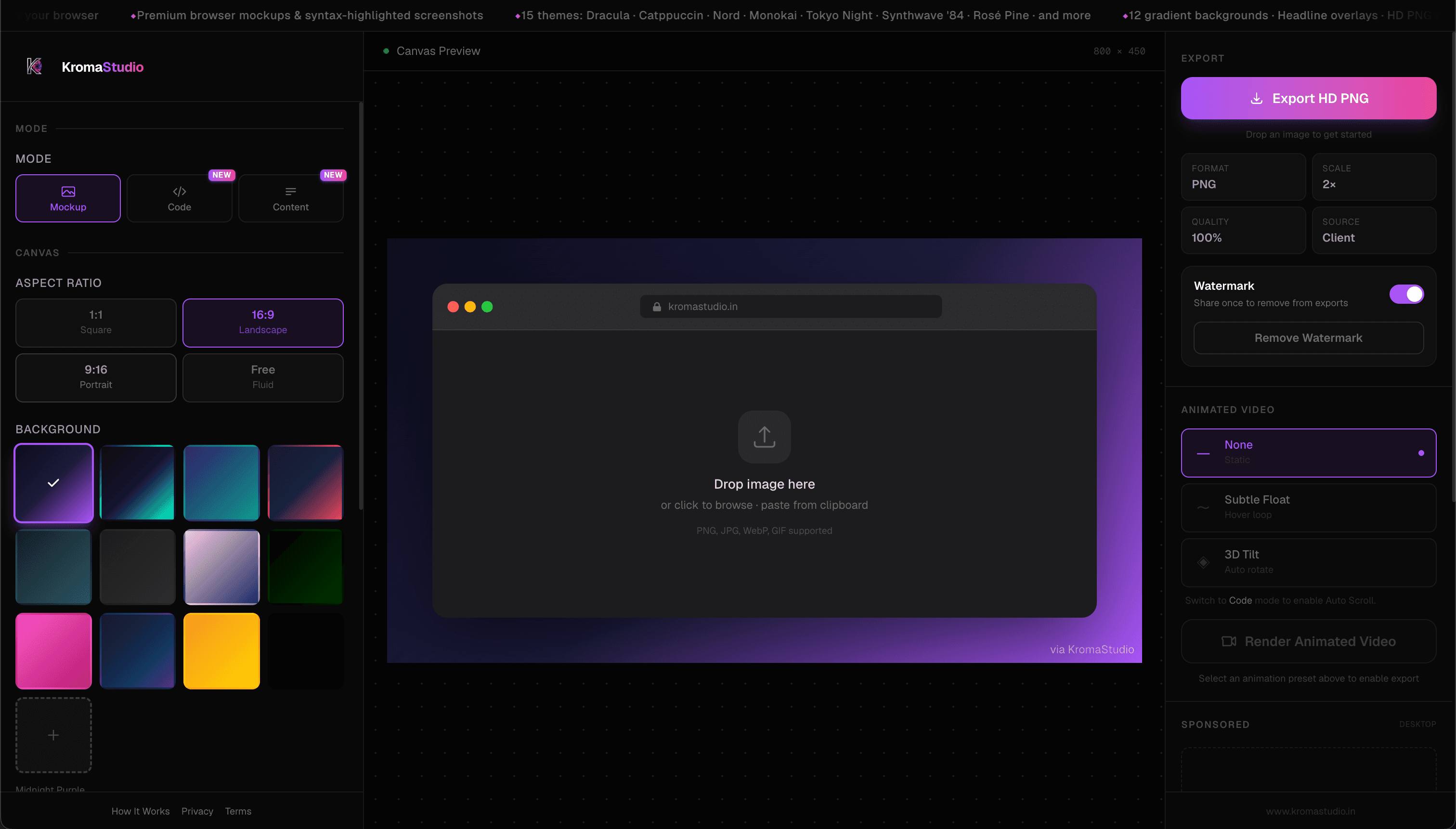
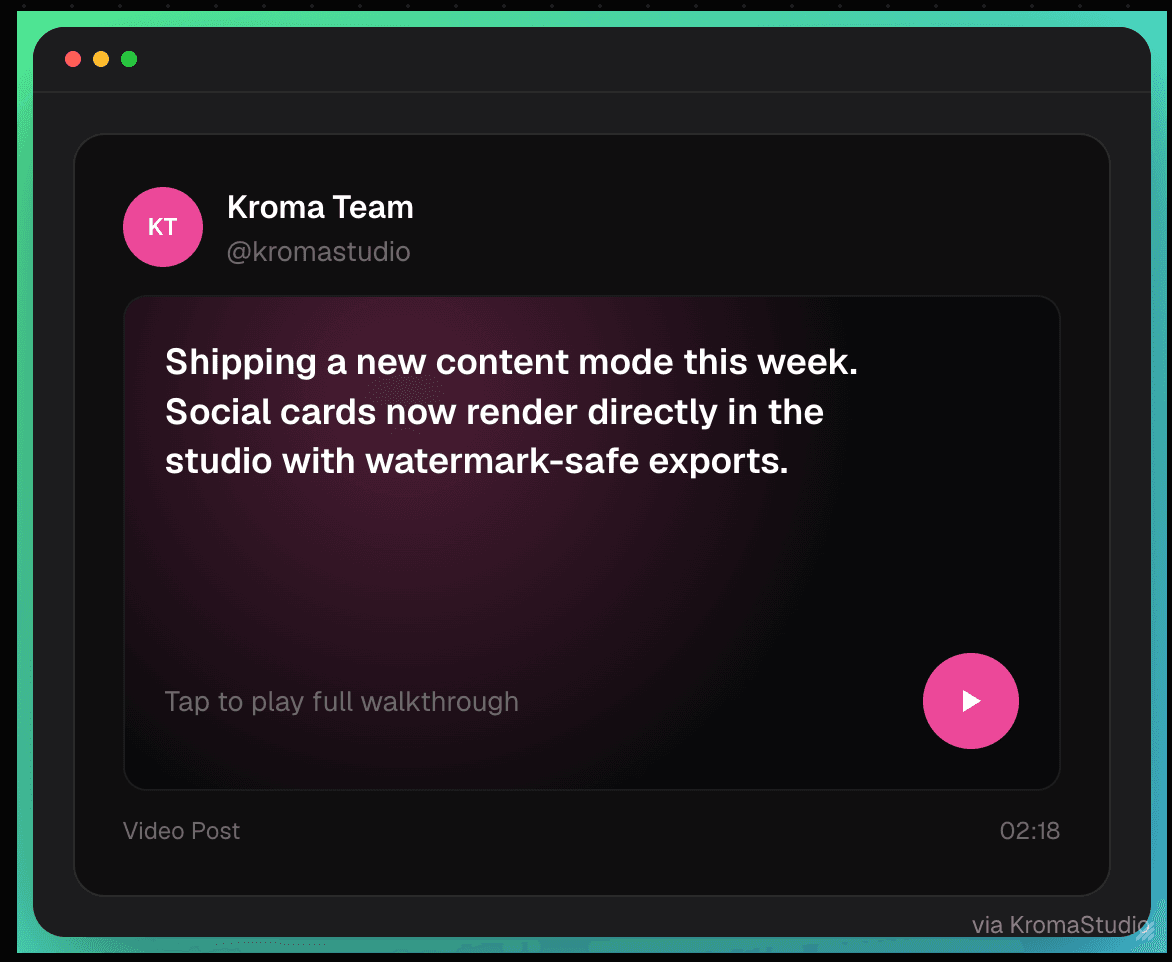
Turn plain code into aesthetic screenshots, browser mockups, social post cards, and animated .webm loops — all in your browser. Your code never leaves your device.
Studio modes
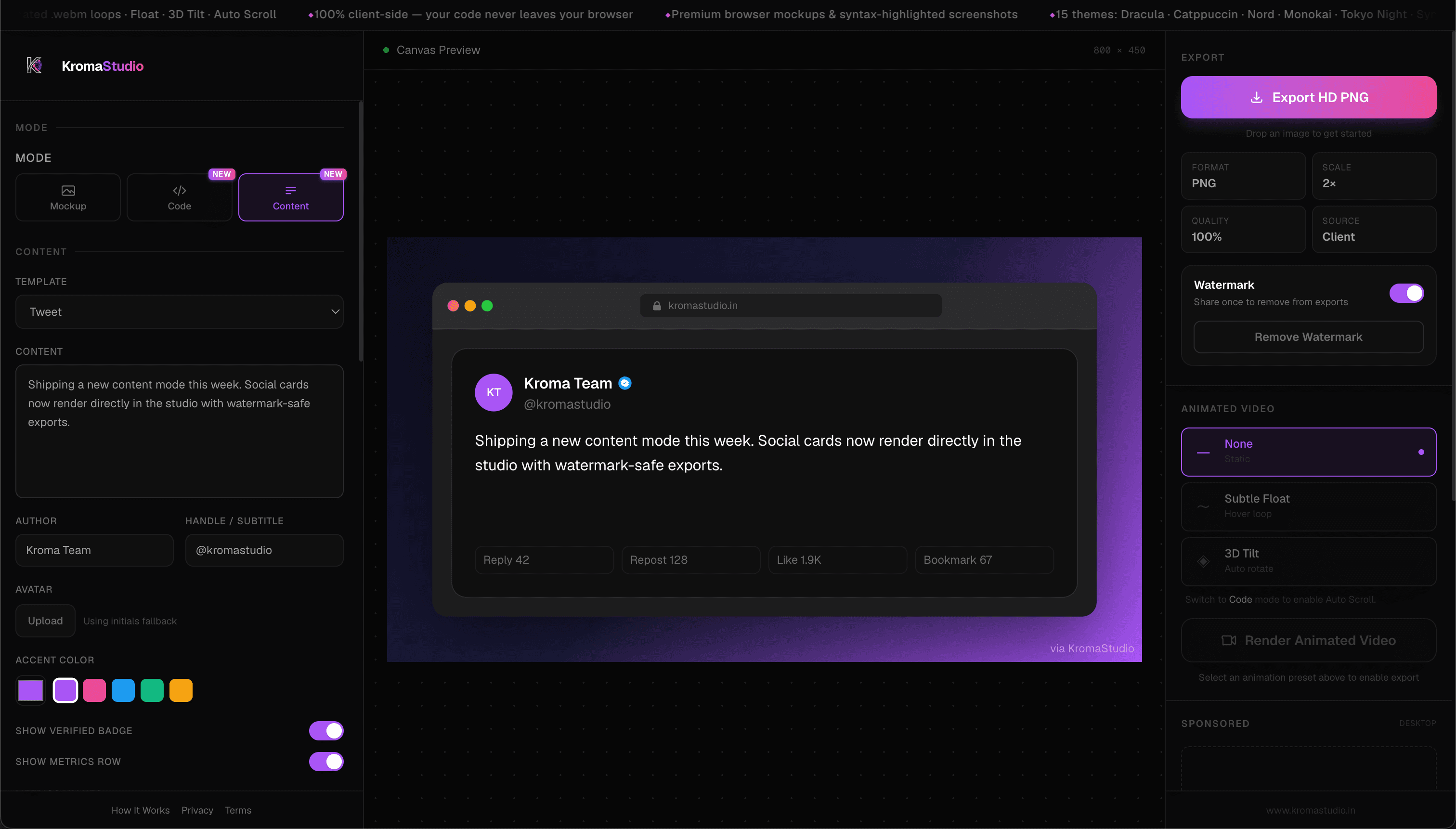
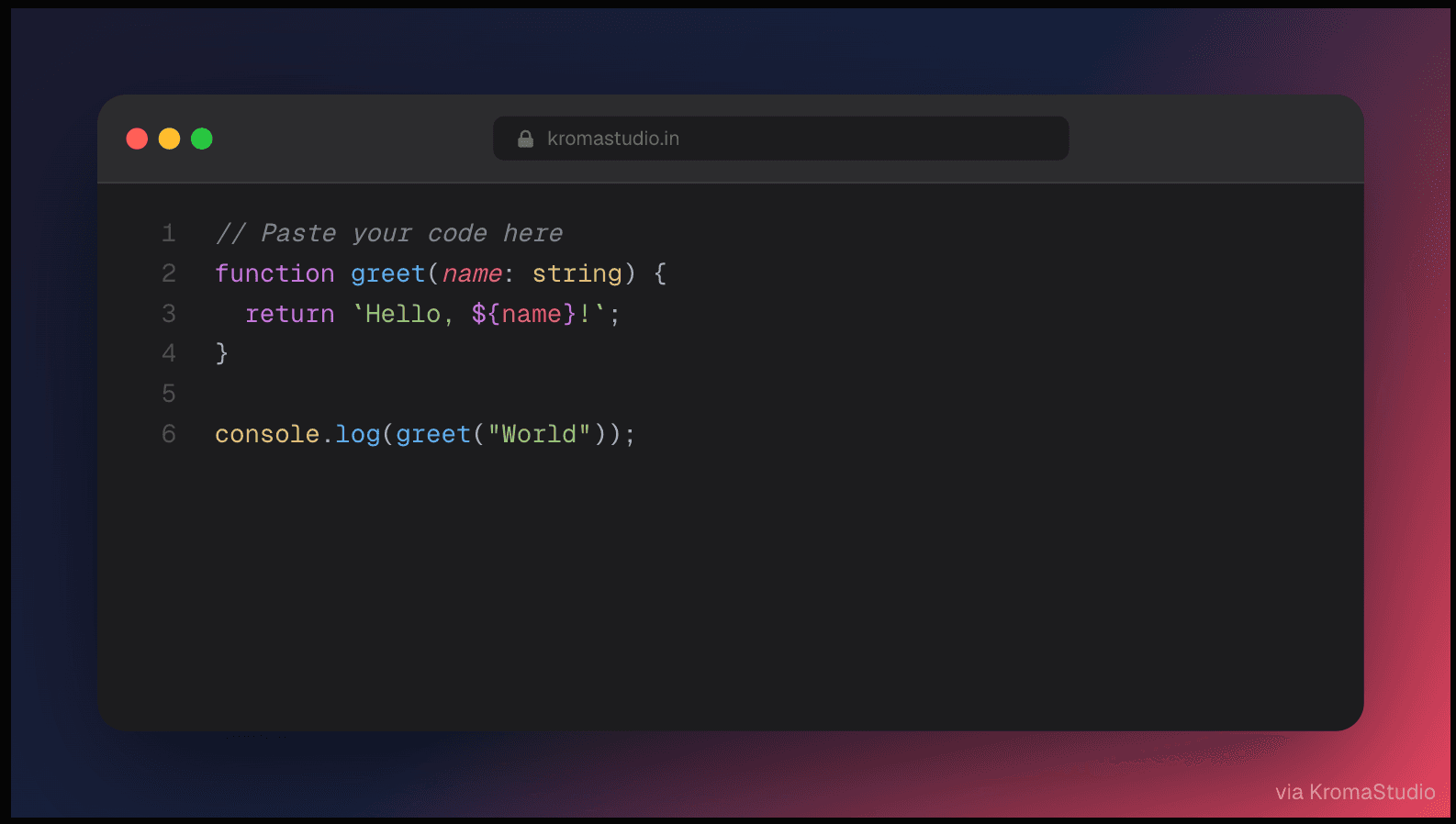
Paste code, pick a Dracula or Tokyo Night theme, add a gradient background, and export a polished PNG — no Carbon tab required.
Features
Everything you need to ship beautiful developer visuals
Why KromaStudio
Your code never leaves your browser. Zero uploads, no server rendering — safe for proprietary code.
Capture a selection and hand off to the browser studio with syntax and language intact.
HD PNG and animated .webm export with no paywall, no sign-up, and no branding on your visuals.
Guides
A step-by-step guide to exporting beautiful, engaging code snippets for your LinkedIn feed.
Turn syntax-highlighted snippets into scroll-stopping images for X — with the right dimensions, themes, and posting strategy for 2026.
Product Hunt gallery specs, thumbnail rules, and a step-by-step workflow for launch-ready browser and device mockups.
For developers
Open the studio, paste your code, and export a share-ready visual in under a minute.
For your workflow
Install the VS Code extension and skip the copy-paste step entirely.
Install VS Code Extension