
How to Make Aesthetic Code Screenshots
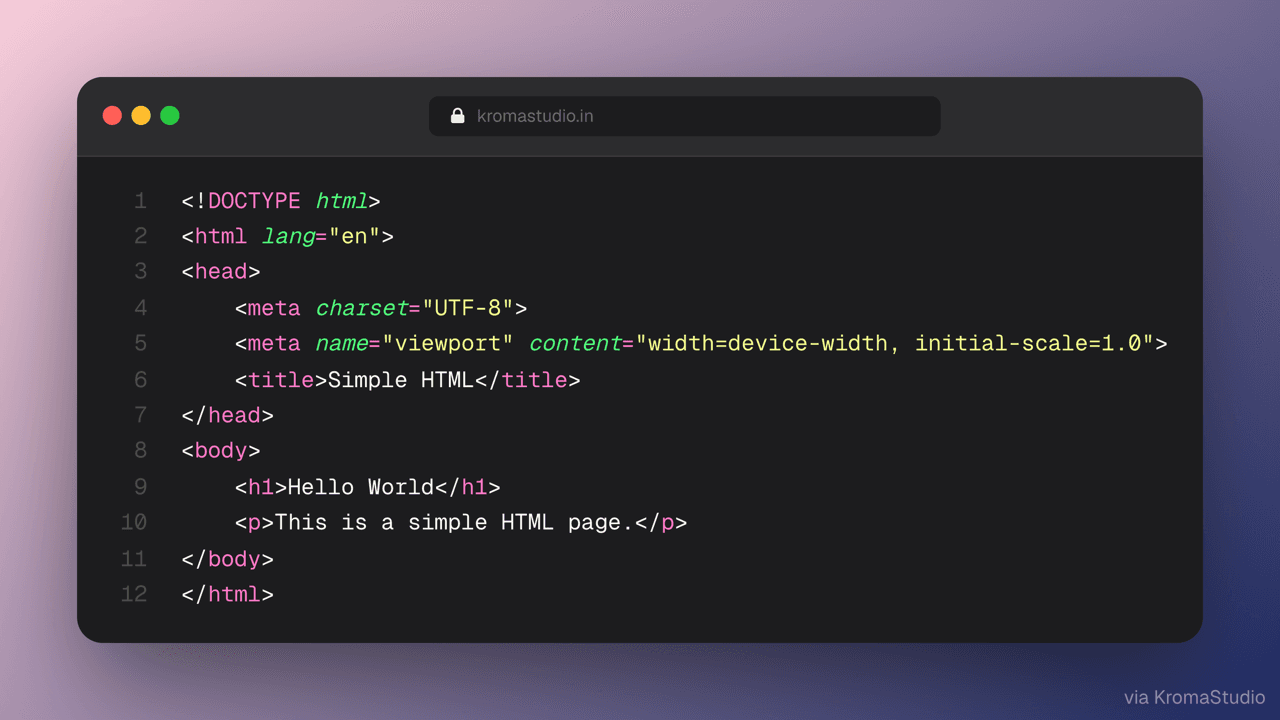
KromaStudio is a free online tool for developers and designers who want polished code screenshots and browser mockups without opening Figma or Photoshop. Everything runs in your browser — no account, no upload.
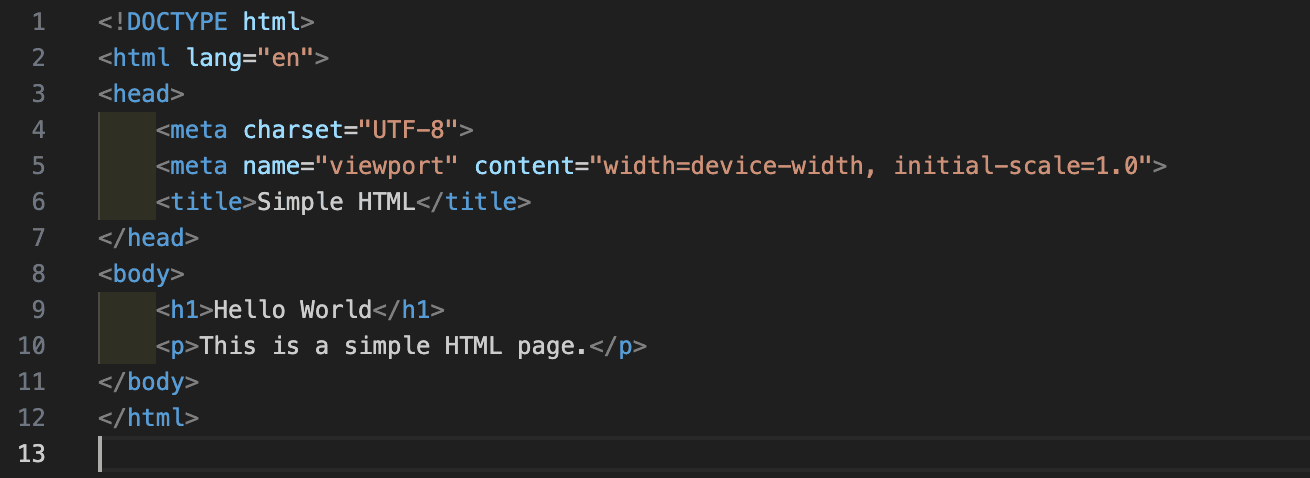
Select in VS Code → open in KromaStudio
Install the free KromaStudio VS Code extension, select a code snippet, and run Capture Selection (Cmd+Shift+K on macOS, Ctrl+Shift+K on Windows/Linux). Your snippet opens in KromaStudio with syntax highlighting, theme, and background already applied — then customize and export.
Three steps
Step 1: Paste your code or upload a screenshot
Open KromaStudio and switch to Code mode to paste a snippet, or stay in Image mode to drop in a screenshot. Supports 25 languages including TypeScript, JavaScript, Python, Java, Kotlin, Swift, PHP, Ruby, Go, Rust, and more. Or install the VS Code extension and skip paste entirely — see below.
Step 2: Customize the look
Pick a syntax theme like Dracula or One Dark Pro, choose from 12 gradient backgrounds, adjust padding and shadows, and optionally add a headline overlay for social posts.
Step 3: Export HD PNG or animated video
Click Export for a 2× resolution PNG, or open Animate to render Float, 3D Tilt, or Auto Scroll loops as .webm — ready for Twitter, LinkedIn, or Reels.
Frequently asked questions
- Is KromaStudio free?
- Yes. KromaStudio is completely free with no sign-up required.
- Does my code leave my browser?
- No. KromaStudio runs 100% client-side. Your code and images never leave your device.
- What code themes are supported?
- 15 themes: Dracula, One Dark Pro, GitHub Dark, Night Owl, Tokyo Night, Catppuccin Mocha, Catppuccin Latte, Nord, Monokai, Synthwave ‘84, Solarized Dark, Rosé Pine, Material Ocean, Vitesse Dark, and GitHub Light.
- Can I export animated video loops?
- Yes. Use the Animate panel to pick Float, 3D Tilt, or Auto Scroll, then render a looping .webm — already live, 100% client-side.
- Can I start from VS Code?
- Yes. Install the KromaStudio extension from the Visual Studio Marketplace, select code in VS Code or Cursor, and press Cmd+Shift+K (macOS) or Ctrl+Shift+K (Windows/Linux). KromaStudio opens in your browser with the snippet ready to style and export.
- Can I create browser mockups too?
- Yes. Switch to Image mode to wrap screenshots in macOS, Windows, or minimal browser frames.